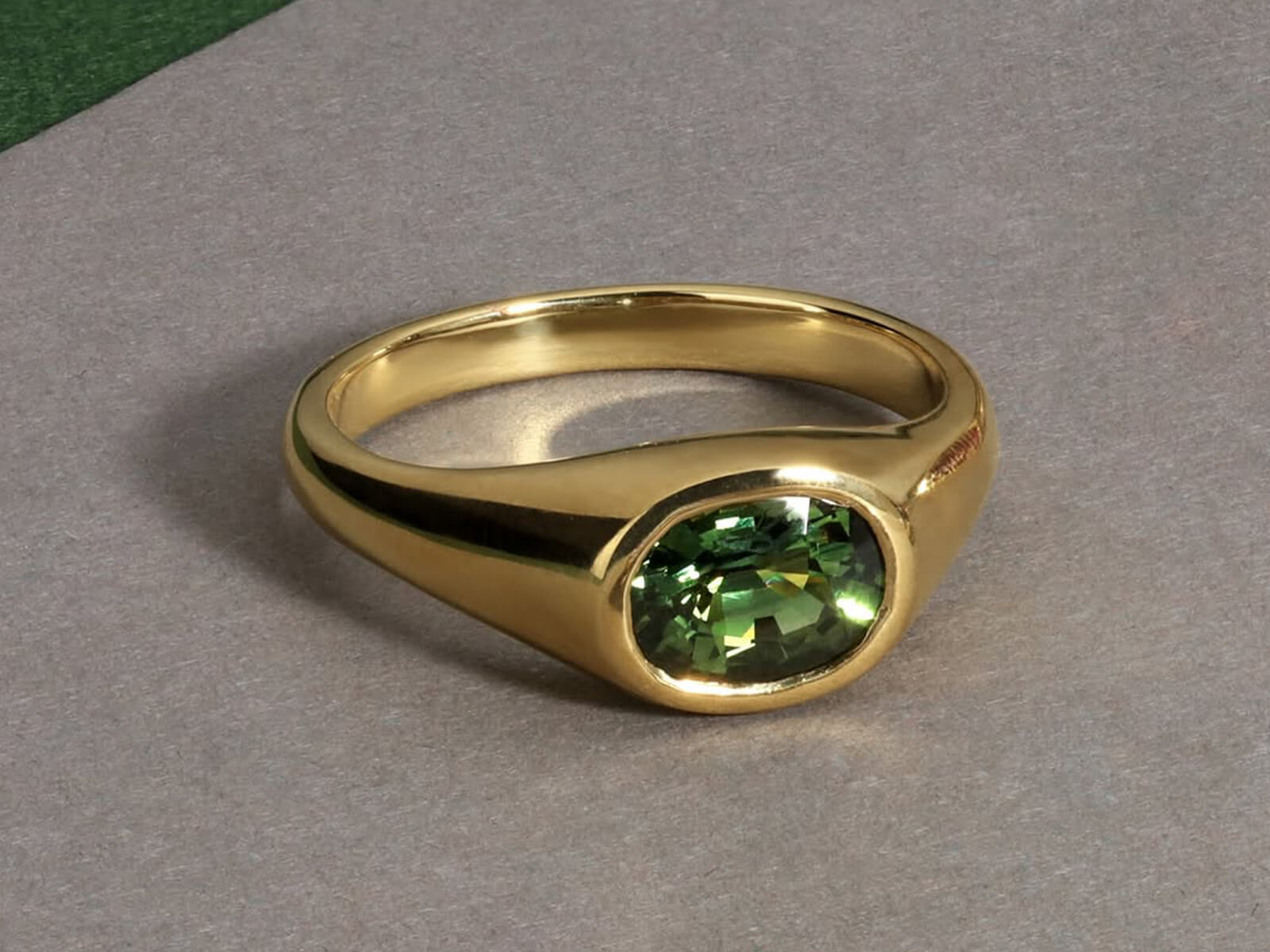
PURE WHITE CATALOGS, PACKAGING & MULTI-EXPOSURE COMPOSITES

Jewelry Product Compositing & Scene Integration Services

Merge multiple lighting passes, focus stacks, packaging boxes, and multi-piece jewelry sets into cohesive, high-converting visuals. We isolate every piece on pure solid white (#FFFFFF) with centered, balanced framing, low-opacity reflections, and box-only grounding shadows—or composite your jewelry into luxury editorial scenes.
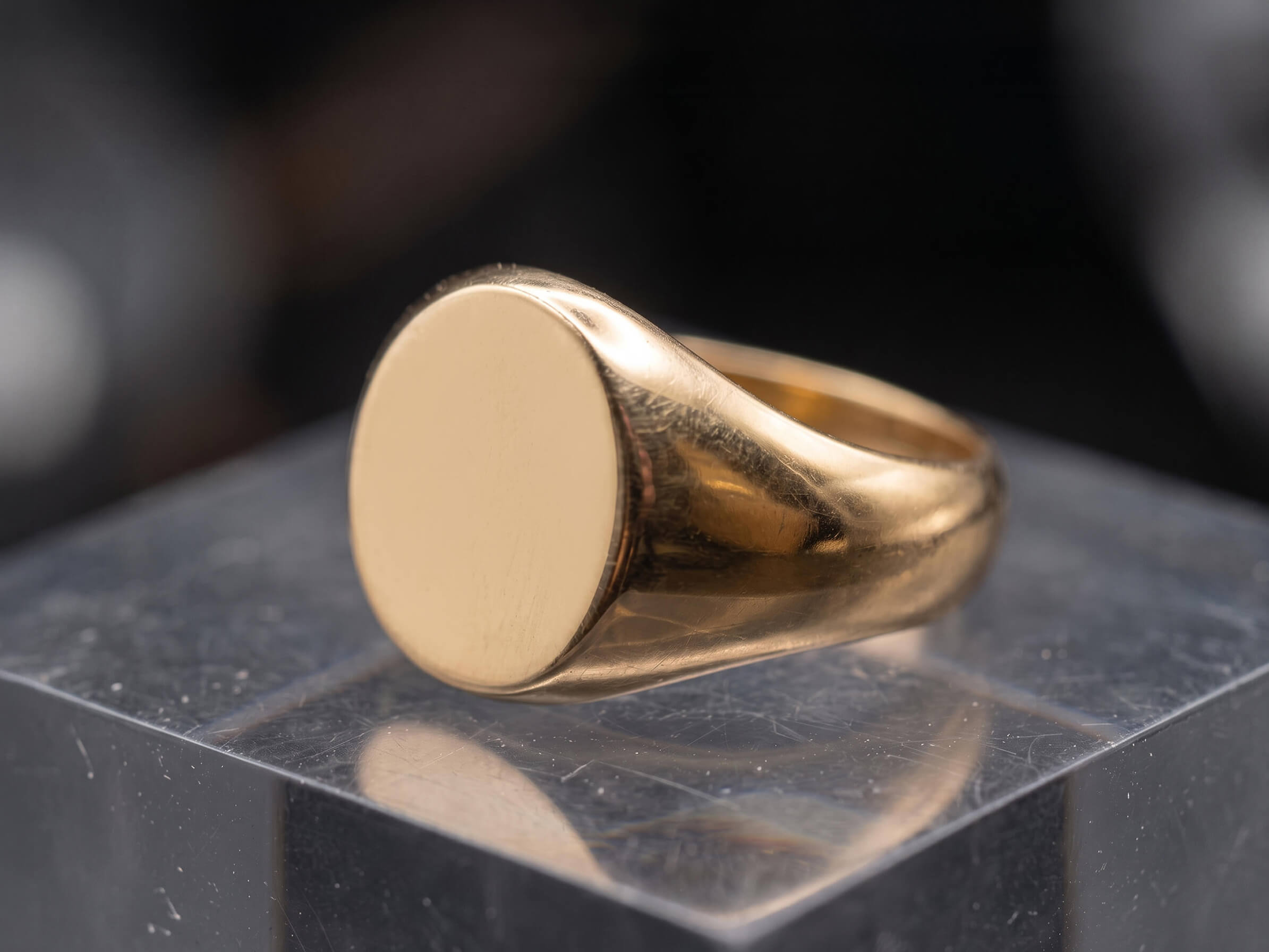
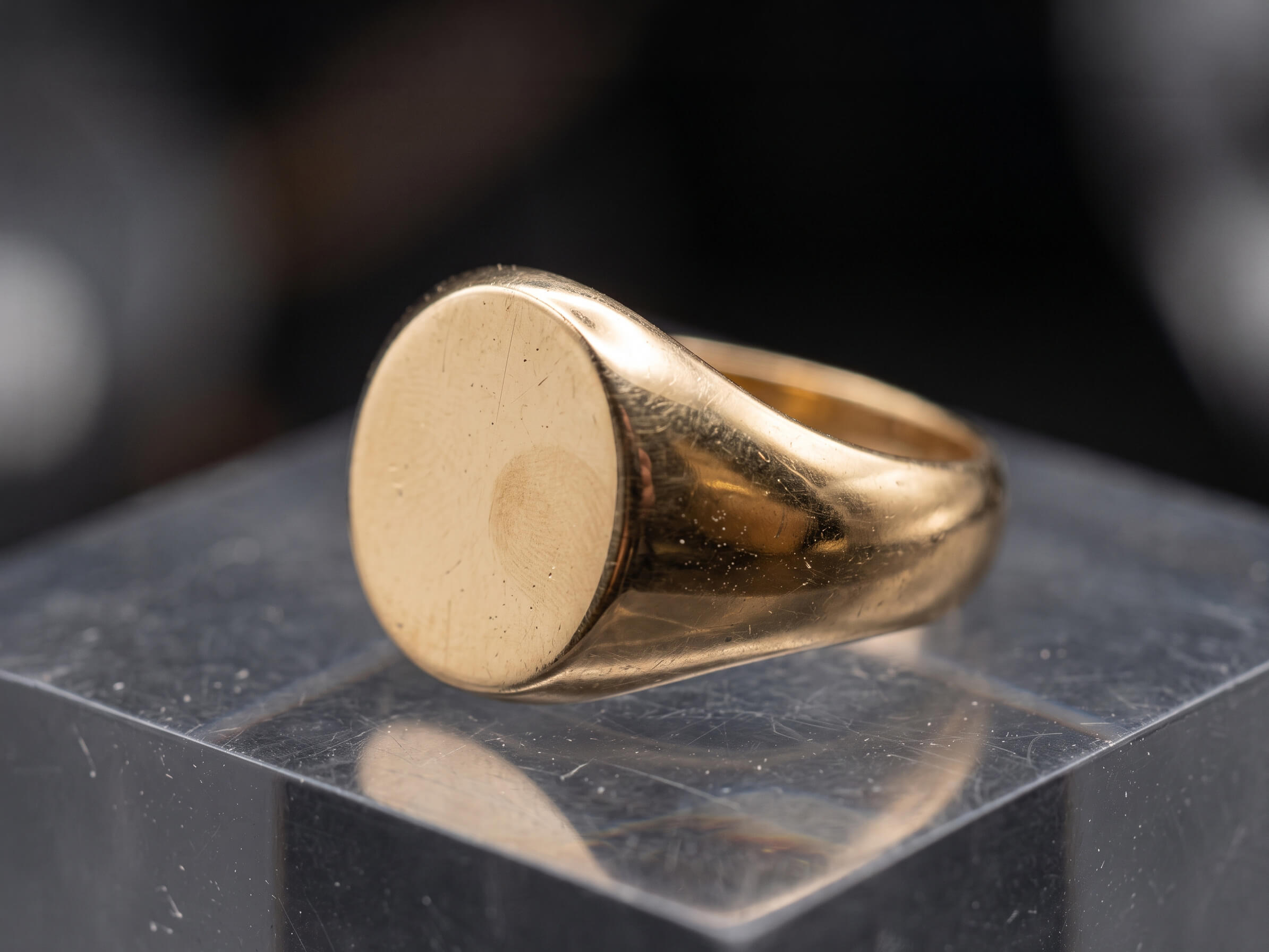
Pure #FFFFFF + Soft Reflection Multi-Pass Light Blending Box & Set Compositing
Jewelry photo after retouching in Photoshop
Raw jewelry photo before editing
BEFORE AFTER
‹ ||| ›
↔ Drag to compare PHOTOSHOP FINISHED
Pure #FFFFFF Centered Framing + Low-Opacity Reflection
Multi-Exposure Metal + Sparkle Pass Blending
Box-Only Shadow Clean Packaging & Set Integration
12–24h Delivery Fast Turnaround for Catalog Launches
✦ MULTI-PASS & CATALOG COMPOSITING CHALLENGES

Why Single-Frame Captures & Cheap Cutouts Ruin Jewelry Catalogs

A single studio exposure rarely captures both liquid-smooth gold and fiery diamonds—and pasting raw cutouts onto white or packaging backgrounds without proper shadows looks amateurish.

✕ The Problem

Diffused Metal Light vs. Hard Diamond Light

✓ Our Solution

Soft diffused light makes gold look silky but leaves diamonds lifeless, while hard direct light blows out metal highlights. We composite your separate metal and gem exposures into one master frame.

See Multi-Lighting Compositing ↓
✕ The Problem

Harsh Black Drop Shadows & Floating Cutouts

✓ Our Solution

Heavy, dark drop shadows make jewelry look dirty on pure #FFFFFF white. We center and scale each piece with a reduced-opacity grounding shadow and subtle product floor reflection.

See Pure White + Reflection Setup ↓
✕ The Problem

Messy Shadows on Jewelry + Packaging Box Shots

✓ Our Solution

Shooting jewelry beside or inside its gift box creates overlapping shadows and mismatched angles. We composite the piece and apply clean grounding shadows exclusively under the packaging box.

See Packaging Box Compositing ↓
✕ The Problem

Difficulty Grouping Bridal Sets & Multi-Piece Bundles

✓ Our Solution

Photographing an engagement ring, wedding band, earrings, and necklace together in one sharp macro frame is nearly impossible. We composite individual shots into cohesive set layouts.

See Multi-Piece Set Grouping ↓
✕ The Problem

Ghosting & Halos in Automated Focus Stacks

✓ Our Solution

Automated focus-stacking software leaves blurry halos around overlapping prongs and pavé rows. We manually retouch and composite depth maps for edge-to-edge tack sharpness.

See Focus Stack Compositing ↓
✕ The Problem

Inconsistent Sizing & Cropping Across Collection Grids

✓ Our Solution

When some rings fill the entire frame and others look tiny, your store grid looks messy. We standardize every composite—slightly scaled back and dead-center on pure #FFFFFF white.

Test Our Catalog Compositing →
✦ PRECISION LAYER & SCENE INTEGRATION

Our Jewelry Product Compositing Services

From pure solid white (#FFFFFF) e-commerce composites with soft floor reflections to multi-lighting blends and packaging box layouts—drag any slider to inspect our work.

18k gold ring after high-end metal polishing and scratch removal
Raw gold ring before retouching showing studio dust and surface scratches
Before After
↔
↔ Drag slider to inspect detail ✓ 100% Hand-Polished in Photoshop
Fixes: Single-Exposure Lighting Compromises

Multi-Exposure Lighting & Focus-Stack Compositing

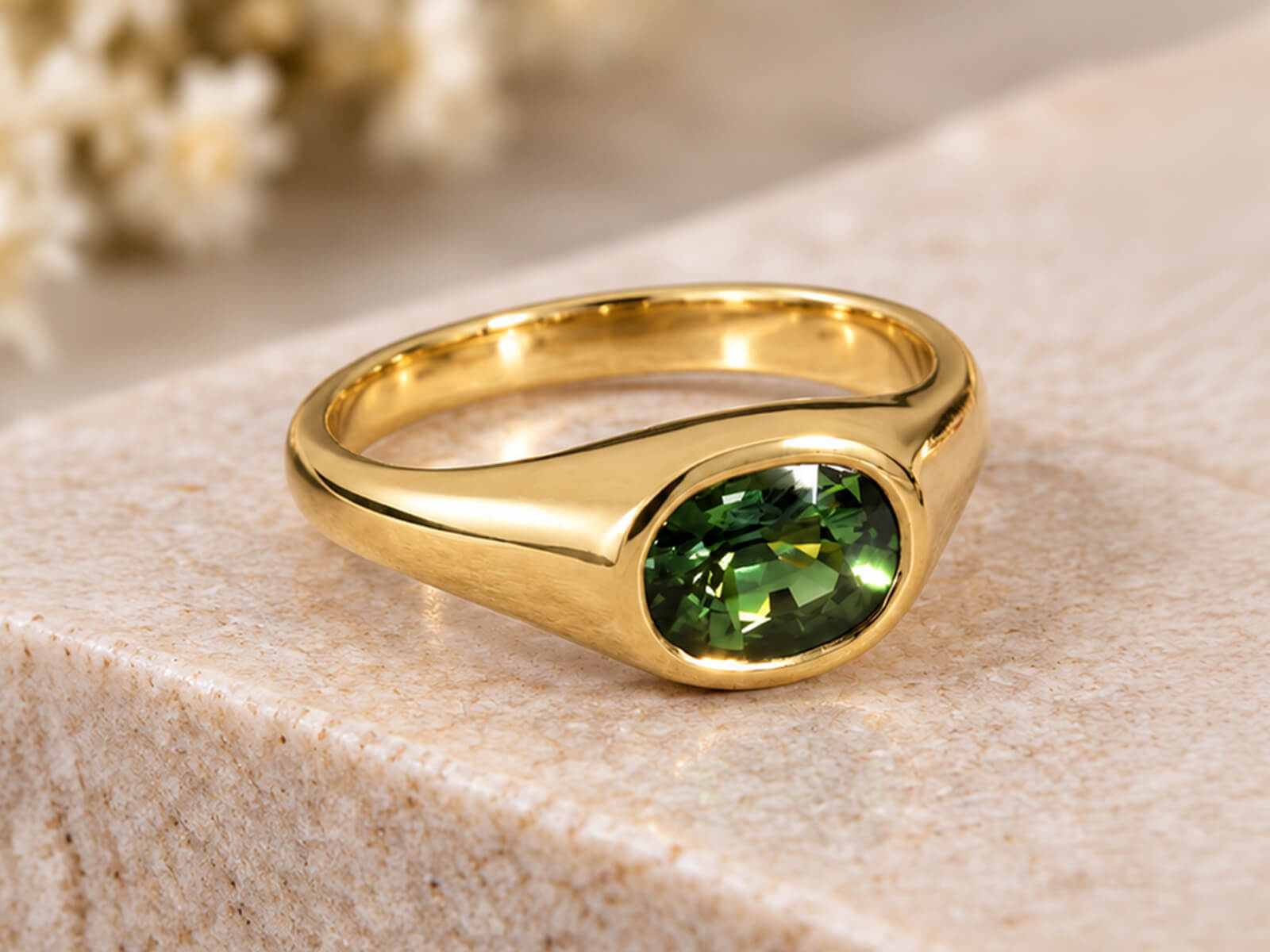
High-end commercial jewelry photographers shoot separate exposures for liquid metal gradients, diamond sparkle, and focal depth. We manually align and blend all passes into a single tack-sharp, high-dynamic-range master image.

  • ✓
    Seamless blending of diffused metal passes with hard-light gemstone sparkle exposures
  • ✓
    Halo-free manual focus stacking (5 to 30+ frames) for front-to-back macro sharpness
  • ✓
    Reconstructing missing shank reflections or hidden gallery details from secondary angles
Test Multi-Pass Compositing Free →
Diamond ring after gemstone brilliance and facet enhancement
Raw diamond ring before facet cleanup and color correction
Before After
↔
↔ Drag slider to inspect detail ✓ Natural Facet Integrity Preserved
Fixes: Harsh Dark Shadows & Unbalanced Framing

Pure White (#FFFFFF) Catalog, Shadow & Reflection Compositing

We transform raw studio cutouts into cohesive luxury e-commerce visuals. Every piece is placed on a pure solid white (#FFFFFF) background—centered and slightly scaled back for breathing room—with low-opacity drop shadows and soft product reflections.

  • ✓
    100% pure solid white (#FFFFFF) backgrounds with zero grey edges or color contamination
  • ✓
    Reduced-opacity natural contact shadows paired with subtle, fading floor reflections
  • ✓
    Centered, slightly smaller product framing for a clean, unified collection grid
Test Pure White Compositing Free →
Jewelry piece isolated on pure white #FFFFFF background with soft reflection
Raw jewelry piece on gray studio background with wax support
Before After
↔
↔ Drag slider to inspect detail ✓ Pure White (#FFFFFF) + Soft Reflection
Fixes: Cluttered Box Shadows & Awkward Packaging Shots

Jewelry & Branded Packaging Box Compositing

Showcase your jewelry alongside or inside its luxury presentation box, pouch, or certificate card. We composite separately shot products and boxes on pure white (#FFFFFF) with clean grounding shadows applied exclusively underneath the packaging box.

  • ✓
    Box-only grounding shadows for a crisp, distraction-free packaging presentation
  • ✓
    Realistic ring-slot insertion, velvet cushion indentation, and inner-lid logo sharpening
  • ✓
    Balanced proportion and centered alignment on pure solid white (#FFFFFF) backgrounds
Test Box Compositing Free →
Jewelry recolored accurately from white gold to 18k yellow gold
Original single metal tone jewelry photograph before color variant creation
Before After
↔
↔ Drag slider to inspect detail ✓ Yellow · White · Rose Gold Variants
Fixes: Out-of-Focus Group Shots & Mismatched Angles

Bridal Stack, Multi-Angle & Parure Set Compositing

Create high-converting bundle listings, bridal ring stacks, and multi-angle comparison frames from individual single-piece photos—ensuring every piece in the group sits in razor-sharp focus and accurate relative scale.

  • ✓
    Interlocking engagement rings and wedding bands into flush, gap-free bridal stacks
  • ✓
    Grouping matching necklace, earring, bracelet, and ring parures into a single hero frame
  • ✓
    Matching pairs of stud or drop earrings from a single retouched master earring
Test Set Compositing Free →
Focus stacked jewelry image with sharp back shank and symmetrical prongs
Unstacked macro jewelry shot with shallow depth of field and uneven prongs
Before After
↔
↔ Drag slider to inspect detail ✓ Edge-to-Edge Tack Sharpness
Fixes: Expensive Prop Styling & Warped AI Backgrounds

Editorial Prop, Pedestal & Lifestyle Scene Compositing

Place your studio-lit jewelry onto marble plinths, silk fabrics, water ripples, or AI-generated editorial backgrounds while keeping 100% authentic product geometry and realistic environmental light interaction.

  • ✓
    Integrating real retouched jewelry onto stone, travertine, acrylic, or botanical props
  • ✓
    Directional cast shadows, caustic light refraction, and ambient color-bounce matching
  • ✓
    Delivered as organized, multi-layered PSDs so you can swap backgrounds anytime
Test Editorial Compositing Free →
✦ OPTICAL REALISM VS AUTOMATED SHORTCUTS

Why Luxury Brands Choose Manual Photoshop Compositing Over AI Tools

One-click background generators and cheap editors create harsh dark shadows, jagged chain links, and floating "sticker" cutouts. We craft every composite manually in Photoshop at 300% zoom.

⚠ Risk to Your Brand Automated Filters

Automated AI & Cheap Cutout Editors

  • ✕
    Heavy, Muddy Drop Shadows: Applies generic, high-opacity black shadows that make luxury jewelry look dirty on white backgrounds.
  • ✕
    Missing or Fake Reflections: Leaves pieces floating in mid-air or pastes unaligned mirror flips that confuse the eye.
  • ✕
    Jagged Chain & Gallery Cutouts: Magic-wand tools leave grey background halos inside delicate chain links and pavé settings.
  • ✕
    Cramped, Inconsistent Framing: Crops pieces too tightly to the canvas edge, breaking visual harmony across your store grid.
Outcome: Inaccurate product representation High Return Risk
✦ Our Standard 🔍 300% Macro Zoom

Our Manual Photoshop Compositing Artisans

  • ✓
    Pure #FFFFFF + Low-Opacity Shadows: Soft, reduced-opacity grounding shadows (and box-only shadows for packaging) on pure solid white.
  • ✓
    Subtle Floor Reflections: Custom perspective-warped, low-opacity product reflections that add depth without distraction.
  • ✓
    Sub-Pixel Vector Pen Paths: 100% hand-drawn Bezier paths around every prong, filigree opening, and necklace link.
  • ✓
    Centered, Balanced Framing: Slightly scaled-back, dead-center alignment with uniform margins across every SKU.
Outcome: True-to-life luxury catalog 100% Buyer Trust ✓
✦ SIGNATURE CATALOG COMPOSITING SPECS

Engineered for Cohesive Collection Grids & Luxury Packaging

Every composite follows strict visual rules—pure solid white (#FFFFFF) backgrounds, centered sizing, subtle reflections, and separate shadow layers.

#FF
RGB 255,255,255

Pure Solid White BG

Every catalog composite sits on a verified RGB(255,255,255) pure solid white background with zero grey vignette or edge halo.

Shopify, Amazon & Google compliant
◇
Low-Opacity

Reflection & Soft Shadow

We pair a subtle product reflection on the solid white floor with a reduced-opacity black drop shadow—or box-only shadow for packaging.

Clean, grounded luxury depth
✛
Balanced Scale

Centered & Scaled Framing

Products are sized slightly smaller and locked dead-center within the frame, giving your collection grid generous luxury whitespace.

Uniform 1:1 or custom aspect ratios
PSD
Multi-Layer

Separated PSD & Web Files

Receive ready-to-upload web PNG/JPGs alongside master layered PSDs with independent product, box, reflection, and shadow layers.

Saved vector Pen Tool paths included
✔ Pre-Verified Export Specs For:
✓ Shopify & Shopify Plus ✓ Amazon Luxury Stores ✓ Etsy & eBay ✓ Google Merchant Center ✓ 300 DPI Print Lookbooks
✦ TRANSPARENT COMPOSITING RATES

Jewelry Product Compositing Pricing

Straightforward per-image pricing based on composite complexity. Every tier includes pure solid white (#FFFFFF) backgrounds, low-opacity shadows, subtle reflections, and unlimited revisions.

Tier 01 · Catalog Composite Pure white catalog jewelry compositing with reflection example

Catalog White BG + Reflection

Best for: Single rings, earring pairs, pendants & bracelets composited onto pure #FFFFFF white.

From $3.00 $3.00 / image
⚡ 12–24 Hour Delivery · 2048×2048 px Ready
  • ✓ Hand-drawn Pen Tool cutout & pure solid white (#FFFFFF) BG
  • ✓ Centered, slightly scaled-back framing for clean grids
  • ✓ Product floor reflection + reduced-opacity drop shadow
  • ✓ Full metal scratch cleanup & diamond brilliance boost
  • ✓ Earring pair matching & symmetry alignment
Test With 1 Free Sample No credit card required
Tier 03 · Focus Stack & Editorial Multi-frame focus stack and editorial scene jewelry compositing example

Focus Stacks, Parures & Scenes

Best for: 10–30 frame macro focus stacks, 4+ piece parure bundles & custom editorial prop scenes.

From $11.00 $11.00 / image
⚡ 24–48 Hour Delivery · Senior Compositor Assigned
  • ✓ Everything in Box & Set Composite tier
  • ✓ Manual halo-free focus stacking (up to 30 frames)
  • ✓ Multi-hole cutouts for complex link chains & pavé sets
  • ✓ Custom marble, silk, or editorial prop scene integration
  • ✓ 16-bit master PSD/TIFF with smart-object groups
Send Challenging Shot Free Custom quote within 2 hours

Not sure which complexity tier fits your jewelry collection?

Send us 1–2 raw sample images. We will retouch a sample for free and give you an exact per-image quote for your catalog.

Request Free Sample & Quote →
✦ HOW IT WORKS

How Our Jewelry Product Compositing Workflow Works

Four simple steps from multi-frame studio captures or separate box shots to cohesive, ready-to-list composites.

01
Step 01

Upload Passes & Elements

Send your RAW/TIFF lighting passes, focus brackets, or separate jewelry and packaging box captures via our portal.

⚡ Supports Multi-Frame Brackets
02
Step 02

Sub-Pixel Pathing & Blending

We hand-draw vector Pen Tool paths, merge focus/lighting passes, and polish every metal and gemstone surface at 300% zoom.

✦ 100% Manual Layer Blending
03
Step 03

White BG, Shadow & Reflection

We center and scale the composite on pure #FFFFFF white, adding low-opacity drop shadows (or box-only shadows) and soft reflections.

✓ Strict Margin & Opacity QA
04
Step 04

24h Layered & Web Delivery

Download web-ready PNG/JPGs alongside organized multi-layer PSDs within 12–24 hours, backed by unlimited free revisions.

∞ Unlimited Free Revisions
✦ Client Feedback

Trusted by Fine Jewelry Brands & Commercial Photographers

A few words from studio directors and jewelry brand founders about our detail preservation, catalog consistency, and manual Photoshop finish.

★★★★★ 4.9 / 5 Average Client Rating 100% Manual Photoshop Guaranteed
FAQ

Frequently Asked Questions About Jewelry Product Compositing

Answers to common questions about pure white (#FFFFFF) backgrounds, low-opacity shadows, box-only shadows, and multi-exposure blending.

How do you format pure white (#FFFFFF) backgrounds, shadows, and reflections for catalog composites?

Every catalog composite is placed on a 100% pure solid white (#FFFFFF) background, centered and scaled slightly smaller so your collection grid has clean breathing room. We pair a subtle floor reflection with a low-opacity grounding drop shadow so the piece looks anchored without heavy black smudges.

For packaging composites, we keep the presentation ultra-clean by applying the grounding shadow exclusively underneath the packaging box (box-only shadow) on a pure solid white (#FFFFFF) background—preventing messy, overlapping double shadows between the jewelry and the box.

Yes! Studio photographers often capture one diffused frame for smooth gold/platinum gradients and a second hard-light frame for diamond fire. Send us both exposures (along with any focus-stack brackets) and we will manually mask and blend the best elements of each pass into one master file.

Absolutely. Shooting an engagement ring, wedding band, and eternity band together often causes focus and reflection issues. Shoot each ring individually and we will composite them into a flush, interlocking bridal stack or multi-piece gift set with accurate scale and contact shadows.

Do you deliver layered PSD files with separate shadow and reflection layers?

Yes. Alongside your web-ready PNG and JPEG files, we can deliver organized, non-destructive layered PSD/TIFF files where the jewelry, packaging box, floor reflection, low-opacity drop shadow, and pure #FFFFFF background sit on separate, editable layers.

Standard turnaround is 24 to 48 hours depending on complexity and volume. Express 12-hour delivery is also available for urgent campaign launches.

Every order includes revisions to make sure metal tones, shadow intensity, and stone brilliance match your exact brand guidelines.

SEE OUR COMPOSITING PRECISION FIRSTHAND

Test Our Jewelry Product Compositing—Free

Send us a multi-exposure jewelry shot, a bridal set, or a product + packaging box capture. We will deliver a centered, pure-white (#FFFFFF) composite with soft reflections and shadows within 24 hours—completely free.

  • ✓
    1 Free Sample Image retouched to your exact catalog specs
  • ✓
    12–24 Hour Turnaround delivered straight to your inbox
  • ✓
    100% Confidential with strict NDA protection

Request Your Free Sample

Tick the issues you want fixed and paste your file link below.

No credit card required · 100% Secure & Confidential

🎉 Thank You! Request Received

We have received your free sample request and selected editing preferences. Our senior retoucher will review your file and deliver the finished sample within 12–24 hours!